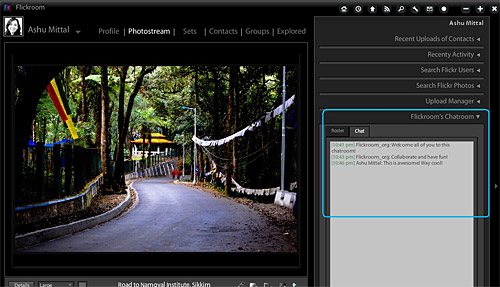
If you’re finding Flickr’s bright’n’white interface a little too demanding on your peepers, you may be interested in looking up the Adobe AIR desktop application, Flickroom.
Once you’ve got the app all safely tucked up on your machine and installed, you’ll need to authorise it to access your Flickr account.
The program can then serve up pop-up notifications about activity on your photostream, let you upload multiple photographs via drag’n’drop and let you edit titles, descriptions as well as comment on photos and rate your favourites.
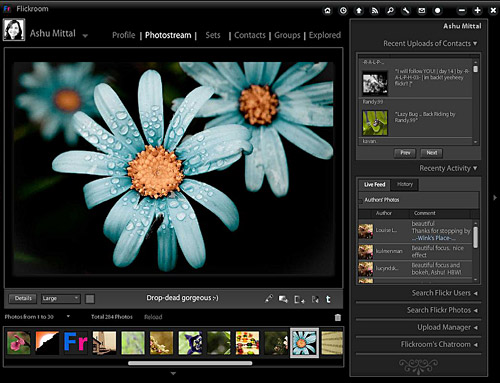
You can control the amount of detail shown about each image and also comment on the photos, star them, make notes and save to disk.
It’s also Twitter-enabled too, so you can tweet about your fab snaps directly from the application, or check out the latest uploads from your chums.
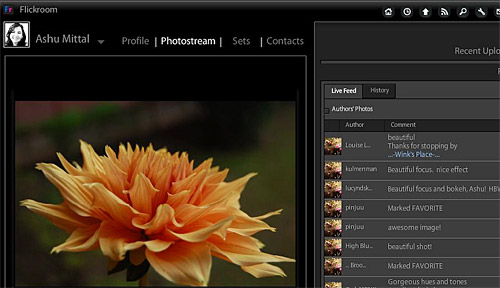
The overall interface and colour scheme is perhaps the biggest attraction though, offering muted modern greys which do a great job of putting the focus on the photographs.
Flickroom is free – yes, FREE! – and, being Adobe AIR-based, can be installed on Windows, Mac, and Linux machines.